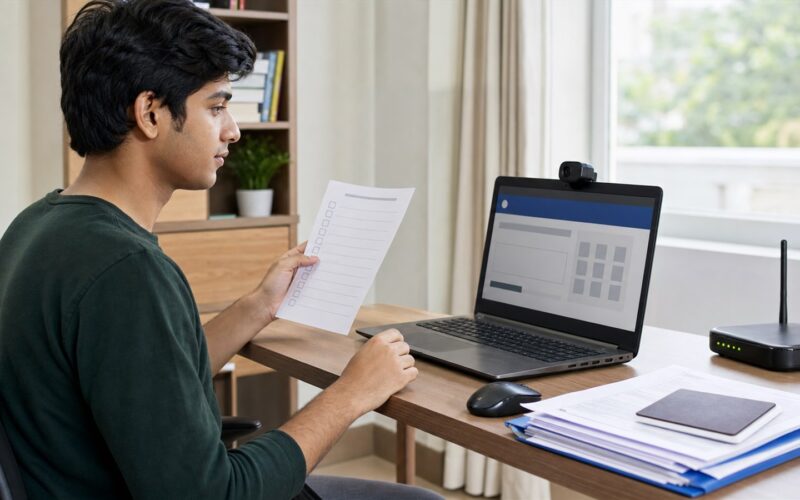
Summary: The National Testing Agency has released the NITTT April-May 2026 semester examination schedule and admit cards. Registered inductee teachers should download their admit card now, attend the preparation webinar on July 27, use the mock-test window on July 28, and take their assigned remote-proctored examination on July 31, August 1, August 7 or August 8, 2026.
NITTT examination: key highlights
- Admit cards have been available through the official NITTT portal since July 23, 2026.
- The candidate’s assigned module, examination date and shift must be checked on the admit card.
- The examination is internet-based and monitored remotely by a human proctor.
- Each paper has 100 objective multiple-choice questions in English and lasts two hours.
- The two shifts are 10:00 AM to 12:00 noon and 2:00 PM to 4:00 PM.
- No paper, rough sheet, pen, book or phone is allowed during the examination.
Important NITTT dates
| Activity | Date and time |
|---|---|
| Admit card download opened | July 23, 2026 |
| Candidate webinar | July 27, 2026, 3:00 PM to 4:30 PM |
| Mock test | July 28, 2026, 10:00 AM to 6:00 PM |
| Examination days | July 31, August 1, August 7 and August 8, 2026 |
| Shift 1 | 10:00 AM to 12:00 noon |
| Shift 2 | 2:00 PM to 4:00 PM |
Who is affected?
This update applies to candidates registered for the April-May 2026 semester of the National Initiative for Technical Teachers Training (NITTT) Examination. NITTT is intended for inductee teachers working in AICTE-approved technical institutions. Only the date, shift and module printed on an individual admit card apply to that candidate.
Required candidate action
- Open the official NITTT portal and download the admit card.
- Check the printed module, examination date, reporting instructions and shift. Do not choose a date from the general schedule without confirming the admit card.
- Read the official NTA examination notice completely.
- Attend the July 27 webinar and use the July 28 mock test to test the laptop, webcam, audio, internet and remote-proctoring process.
- Check the registered email account for the webinar, mock-test and examination access details sent by NTA.
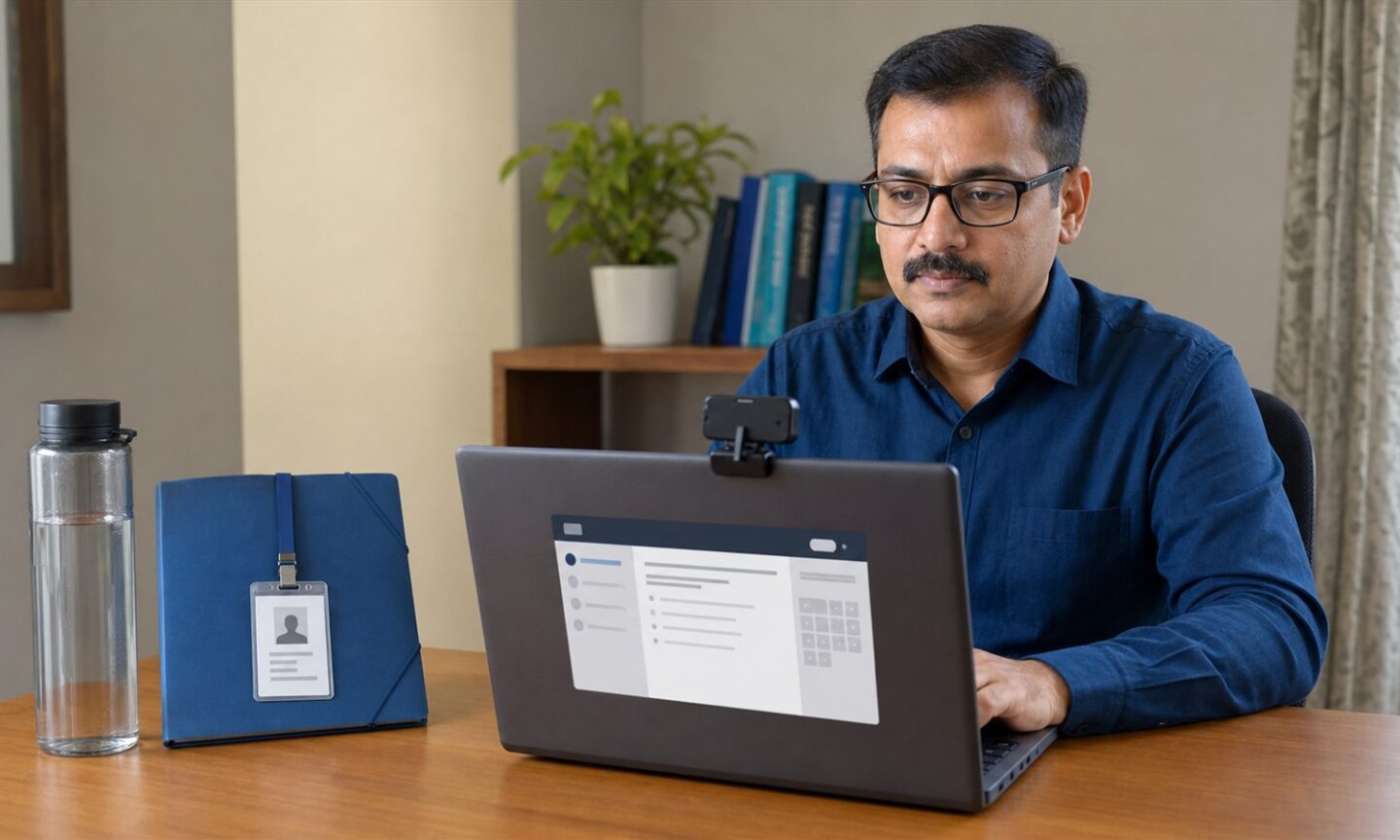
- Before the assigned shift, keep only the admit card, a valid identity document and a transparent water bottle at the desk.
- Remove all paper, rough sheets, pens, books, phones and other unauthorised items from the examination area.
- Follow every human-proctor instruction and respond to warning messages shown through the chat window.
Remote-proctoring rules candidates should know
NTA says human proctors will monitor both the candidate’s movement and the computer screen. A proctor may send a warning through chat when suspicious activity is observed. Continued non-compliance can lead to termination of the examination, so candidates should remain visible, keep the screen focused on the test and follow instructions promptly.
The official notice specifically allows the admit card, a valid ID and a transparent water bottle. It does not allow paper or rough work. Prepare the examination space before the login window so prohibited items do not create a last-minute problem.
What happens if the examination or rules are missed?
The schedule provides assigned examination dates and shifts but does not announce a make-up session. Missing the slot printed on the admit card can therefore put the candidate’s NITTT assessment attempt at risk. The notice also states that failure to comply with proctor warnings may result in termination of the examination. Candidates who find an admit-card error should use the official NITTT help channel immediately, before their assigned paper.
Official sources
- NTA NITTT April-May 2026 examination schedule notice
- NITTT admit card and examination portal
- NTA official notice-board archive
Frequently asked questions
How do I know my NITTT examination date?
Download the admit card from the official NITTT portal. The module, date and shift assigned to you are shown there.
Can I use paper for rough work?
No. NTA’s examination notice says paper and rough work are not allowed in this remote-proctored test.
What may I keep at the desk?
The official notice permits the admit card, a valid identity document and a transparent water bottle.
Last verified: July 26, 2026.